Partner Share
Pack together. Find each other's boxes.
Share one box list with your partner, family or organiser. Add what's inside, then find it from either phone.
One paid account. Everyone else joins free.
Partner Share works with every Box’d plan. Only the person sharing their inventory needs a paid account.
Each person needs their own account. iPhone only.
You packed the kitchen. They can still find the charger.
Pack separate rooms into the same inventory. Either person can search for an item, see its photo and find the box number.
Write a number on each box and start packing. You don't need to print box labels to use Partner Share.
See Box’d for movingShare your boxes in a few steps
Show your access code
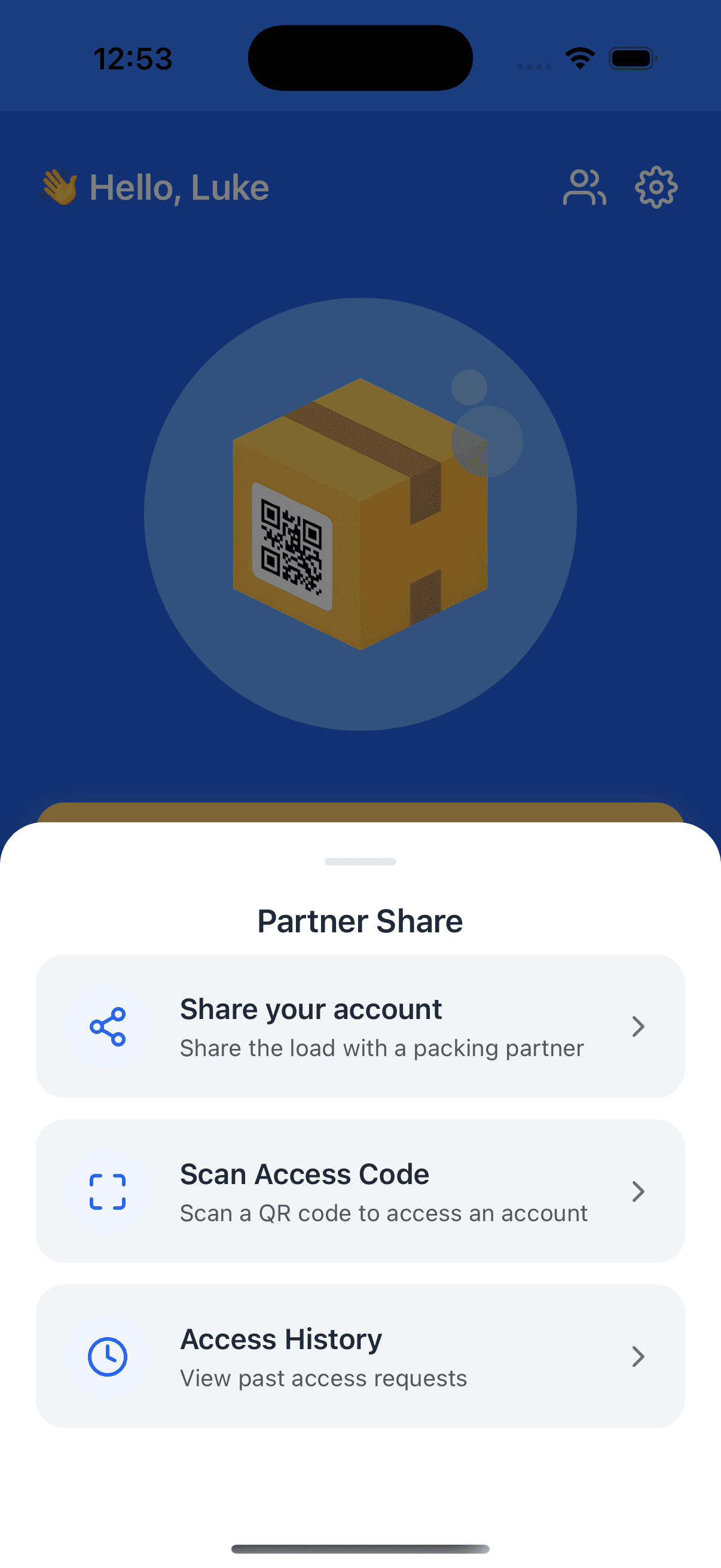
On the phone with the paid account, open Partner Share and choose “Share your account”. Keep that screen open.
Your partner requests access
They log in with their own account, open Partner Share and choose “Scan Access Code”. They scan your current code and send a request.
Approve and connect
In “Access History”, check the person and choose how long access lasts. Approve the request, then have them tap “Connect now”.
Set this up while both phones have internet. Our guide covers how to share a moving inventory and divide the packing without duplicating box numbers.
You choose who gets access, and for how long.
Partner Share gives full access to every box, item and photo in the shared account. The person you approve can view and make changes, so share with someone you trust.
Choose 4 hours, 24 hours, 7 days or 30 days. You can revoke access through Access History whenever you need to.
For professional organisers
Two ways to work with a client
Pack in the client's account
The client has a paid plan and shares access with you. You can join using a free account and add boxes, contents and photos directly to their inventory.
The boxes stay with the client throughout the job. At the end, show them how to find things and let them review your access.
Only the client needs a paid plan.
Pack first. Transfer at handoff.
Start the job in your own account. When it's time to hand over, have the client share their account with you. Connect to it and choose “Transfer boxes to this account”.
Select that client's boxes. A transfer moves them out of your account and into theirs, so the client owns the records after the job.
Box transfers currently require both accounts to have paid plans.
One paid account for shared packing
Every paid plan includes sharing: the 3-month move pass, monthly and yearly plans. Everyone joining can use a free account.
No extra subscription for your partner or organiser to help pack.
Compare the plansQuestions about sharing
Does everyone need to pay?
No. Only the person sharing their inventory needs a paid account. Everyone joining that inventory can use a free account.
Which plans support Partner Share?
Every Box’d plan supports Partner Share. The 3-month move pass, monthly and yearly plans can share an inventory. Free accounts can join one.
Do we need the same login?
No. Each person needs Box’d on iPhone and their own account. The owner approves each access request, so you don’t need to share a password.
Can I share just a few boxes or make access read-only?
Partner Share currently gives full access to every box, item and photo in the account. The person you approve can view and make changes. There’s no read-only option or selection of boxes.
Do we need printed QR labels?
No. Write a number on each box and record what’s inside. You scan an access code on the other person’s phone to connect accounts, but you don’t need QR labels on your boxes.
Can we use it without internet?
You need an internet connection to set up sharing, search and sync changes. Check both phones can see the shared boxes before you start packing separate rooms.
Start with a box. Share the packing.
Try your first 5 boxes for free. When you’re ready to share your inventory, choose any paid plan. Everyone joining can stay on a free account.