Moving5 min readBy Box’d
Do you need QR codes to track moving boxes?
A number on the cardboard can connect to a searchable list and photos. QR labels give you another way to find that record.
The short version
No. You can track moving boxes with handwritten numbers and a searchable contents list. In Box’d, QR labels are optional. They add scanning and Flashlight Search; numbers still work with voice input, photos and text search.
In this guide
If you’re ready to pack but don’t have a printer, you can start now. The part that makes a box searchable is the record of its contents. A label connects the physical box to that record.
The label and the contents list do different jobs
Suppose the router is in box 32. Write 32 on the cardboard and add “router” to box 32’s entry in your list. Later, search for “router” and read the number. You can do that without scanning anything.
A QR label lets an app identify the box through the camera. It saves you looking up its number when you’re standing in front of it. It still needs a record with useful contents information.
Neither method knows what you put inside automatically. Record the contents while packing and check them when something changes. Adding a code to an empty record won’t help you find the router.
What changes when you use QR labels?
On a small screen, scroll the table sideways.
| Task | Handwritten number | Box’d QR label |
|---|---|---|
| Get started | Write a number and enter it in the app. | Print a Box’d label, attach it and scan it into your inventory. |
| Record contents | Voice or text, with optional photos. | Voice or text, with optional photos. |
| Find an item | Search its name, then find the numbered box. | Search its name, then find or scan the labelled box. |
| Look up a box in front of you | Find its entry using the number. | Scan its label in Box’d. |
| Use Flashlight Search | Not supported with handwritten numbers. | Spot the matching QR-labelled box through the app’s camera view. |
This comparison describes Box’d. Other apps may require QR labels or support different ways to identify a box. Check the app you plan to use before printing a batch of labels.
Start packing without a printer
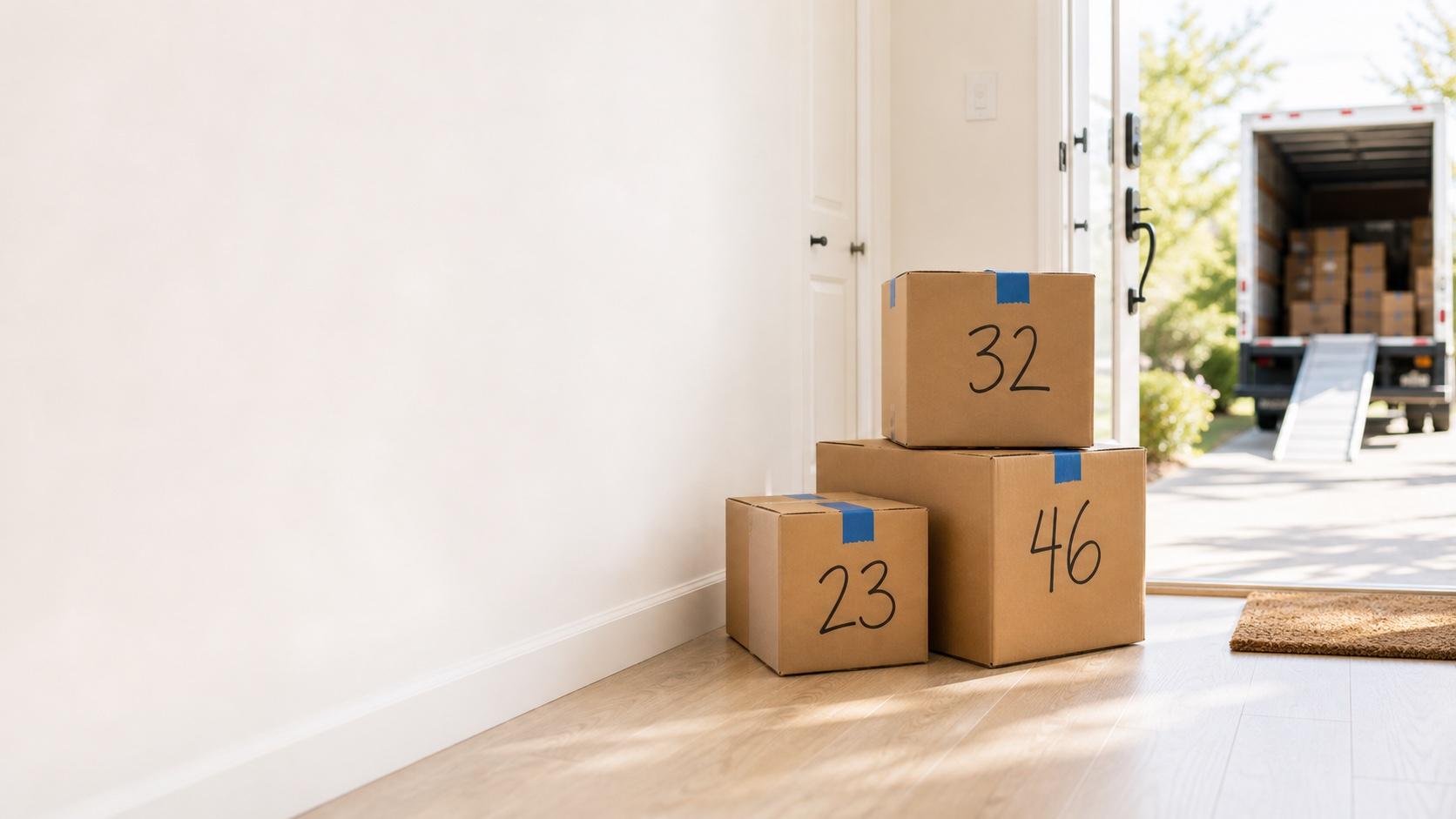
Choose a number you haven’t used for another box. Write it clearly on two sides, then enter the same number in Box’d. Add what’s inside and any photos you’ll want later.
The number is the connection.
Use the number written on the cardboard when adding the box. Keep the detailed contents in the app.
Box’d’s box-number entry screen.

Before sealing it, search for one of the items you entered. Check that the result leads back to the number on your box. That’s the whole connection working, without a printed label.
For the rest of the packing process, follow our guide to keeping track of boxes when moving. It covers numbering across rooms and keeping the contents list current.
Choose QR labels when scanning solves a problem you have
Scanning can help when you regularly stand in front of boxes and want to check their contents. Flashlight Search is useful when you want the app to highlight a matching QR label in its camera view. Keep labels visible; the camera can’t see through other boxes.
If you mostly search at home, read a box number and collect it later, handwritten numbers may suit you. There isn’t a fixed box count at which you must switch. Choose based on how you find things.
If you want to try scanning, test a Box’d label before printing the whole sheet. You can use label sheets or plain paper attached to the box. The QR labels page has the printing options and explains Flashlight Search.
For boxes you’ll keep packed, our storage inventory guide explains how to record shelf locations and prepare before visiting storage.
A few label questions
Can a QR code tell me what’s inside a sealed box?
It opens the record associated with that label. You still need to add the contents and update them when they change.
Can I use any QR code with Box’d?
Use Box’d’s own labels for its scanning workflow and Flashlight Search. A code from a different app or a general QR generator isn’t a substitute.
Will either method work without internet?
The written number remains readable, but Box’d needs internet for search and sync. Take screenshots of essential box records before going somewhere with poor reception.
Do I need to pay before trying it?
Box’d’s first 5 boxes are free, with no account needed to start. It’s available on iPhone; more boxes require a paid plan. See Box’d for moving for the app workflow.