Storage5 min readBy Box’d
How to keep track of boxes in storage
Find the camping stove without opening every box. Keep a record that tells you what’s inside and where you put it.
The short version
Give each box a unique number, list its contents and record its location. Search the list before visiting storage. Update it whenever you move a box or take something out.
In this guide
A moving list gets your boxes to the new address. A storage inventory needs to stay useful months later, when you’ve forgotten which shelf holds the tent pegs or whether the spare bedding came home with you.
You don’t need to catalogue every loose object in the garage. Start with closed boxes and bins whose contents you can’t identify from outside. Use a note, spreadsheet or app you can open on your phone.
Record the box and its location
Give each container a number that you haven’t used elsewhere in your list. Keep that number if the box moves from your garage to a rented unit. Its location changes; its identity stays the same.
Write the number on a visible side and record the things you’ll actually search for. “Camping” is a useful category. “Stove, tent pegs, headtorch” tells you whether this is the box you need.
| Box | 27 |
|---|---|
| Contents | Camping stove, tent pegs, headtorch |
| Location | Unit 14 · left shelf · middle level |
Give locations names another person could follow. “Left shelf” needs a point of view, so agree that left and right mean facing in from the door. A photo of the shelves can help explain the layout.
Take a photo of the open box before closing it, especially if the contents look alike. Keep a written list too. A photo may help you recognise a cable, but a list gives you “camera charger” to search for.
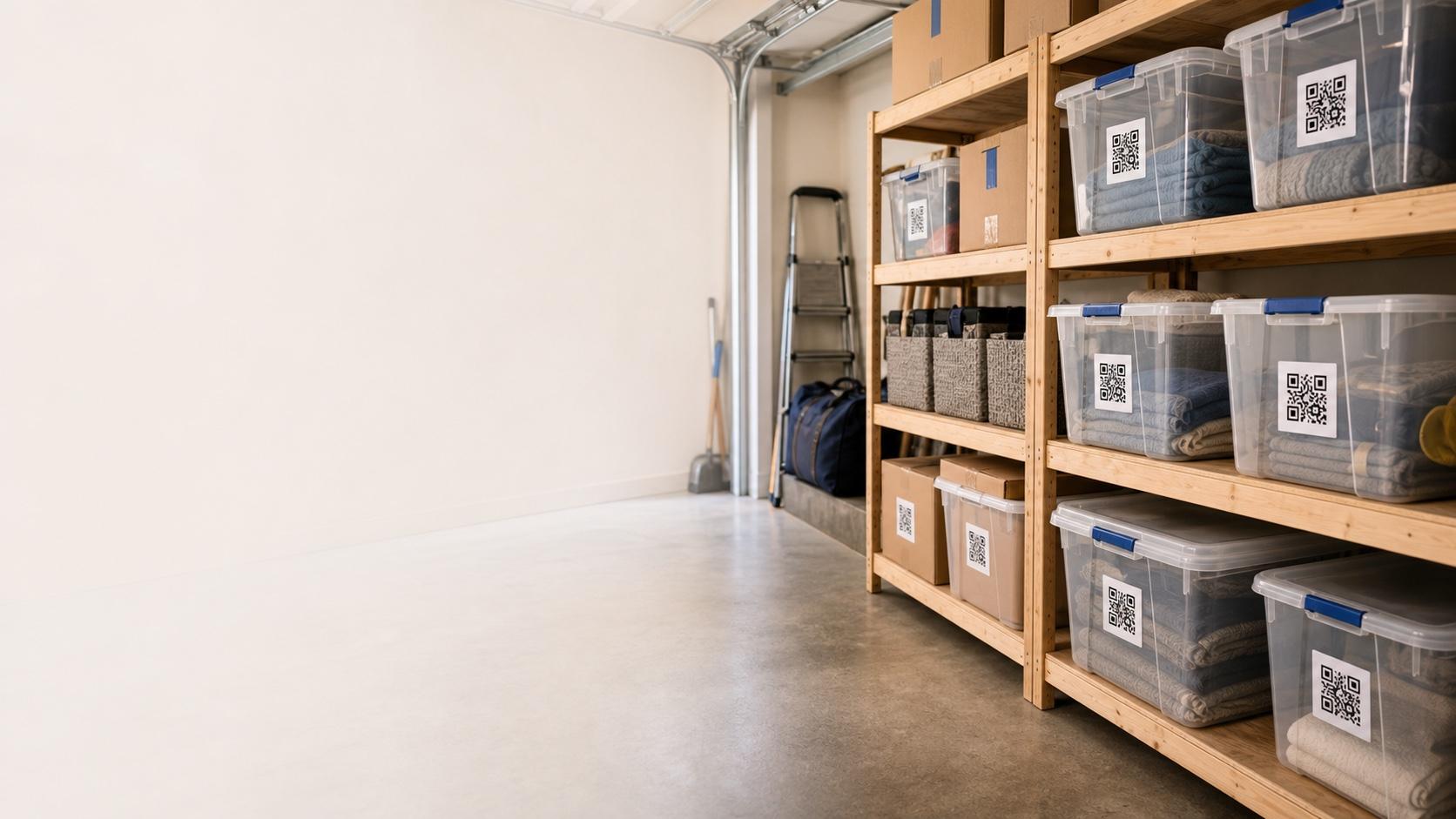
Numbers work without printing. QR labels add scanning if that suits your setup. Our guide to numbers and QR labels explains what each method adds.
Start with the boxes you’ve already packed
You don’t have to empty the unit to begin. Number the boxes you can reach and record their locations. Copy useful information from old labels, then keep a separate list of boxes whose contents need checking.
Treat a remembered item as uncertain until you’ve seen it. If you think box 27 has the camping stove, mark that entry “to check”. Don’t let a guess become the reason for a wasted trip later.
Start with the boxes you expect to need soon. Add the rest when you next open them. A partly completed inventory with clear gaps is more useful than an apparently complete list you can’t trust.
Find the box before you leave home
Search for the item, check the box number and read its location. For our example, “headtorch” points to box 27 on the middle level of the left shelf. You have a specific place to look when you arrive.
If you need several things, make one short collection list with their box numbers and locations. Check the contents photos where the names are ambiguous, such as two similar sets of lights.
Don’t rely on reception inside the unit. Save the details you need while you have internet. In Box’d, take screenshots of the relevant box records before leaving; search and sync need a connection.
Update the record when something moves
If you take the headtorch home, remove it from box 27’s contents. If you move the whole box, change its location. Do it as part of the visit, while you still know what changed.
When the headtorch goes back, add it to the box where you actually put it. Don’t assume it returned to its old place. If you’re offline, keep a temporary note and update the shared record when connected.
If family members use the same storage, agree who updates the list after each visit. Our guide to sharing an inventory with your partner covers access and keeping one record current.
Keep your storage box inventory in Box’d
In Box’d, add the number written on the container, record the contents by voice or text, and add photos. Use the location field to record where to look. Later, search for an item to find its box.
Box’d is an iPhone app. The first 5 boxes are free, with no account needed to start. More boxes and Partner Share need a paid plan. Search and sync need internet, so prepare before visiting a unit with poor reception.
Try one shelf before recording the whole unit. See the Box’d storage workflow, or compare a box app with a note or spreadsheet if you’re still choosing where to keep your list.